
The ContentCrew connector for Claude
Manage your socials from one place. Right inside Claude.
Connect ContentCrew to Claude and run your social media from a chat.
N Northside Studios
Search⌘K
Plan & make
- Home
- Strategy
- Plan
- Ideas
- Tasks4
- Pages
Collaborate
- Campaigns
- Chat2
- Community


 Share
Mon 9
 Reel · 09:30
Episode 15 trailer
Approved
Tue 10
Wed 11
 Post · 10:00
Behind the mic: a studio tour
Approved
Thu 12
Fri 13
Claude ContentCrew
Plan next week's Reels for Northside Studios from our content pillars, with a hook and a script for each.
Thinking
ContentCrewRead the brand guidelines
ContentCrewCreated 3 ideas
Three Reels are on next week's plan in Northside Studios, each with a hook and a draft script.
Send them for review. Which Reel got the most views last month?
ContentCrewMoved 3 ideas to Waiting for Review
ContentCrewRead post performance
Leo's hottest take yet, with 48.2k views. That's twice your average Reel.
Reply to Claude…
How it works
ContentCrew runs your social media. Claude runs ContentCrew.
ContentCrew is where your team plans, makes, approves and publishes social media. The connector lets Claude do that work for you.
Ask in your own words
Ask Claude. It's done in ContentCrew.
Turn ContentCrew on in a chat and ask the way you'd ask a colleague. Claude reads your plan, your brand and your results, and saves its work in your workspace, where the team already works.
-
1 · Plan
See what's planned
What goes out next week, and what's still waiting for review.
-
2 · Ideas
Ideas in your brand voice
Claude reads your brand rules first, then drafts ideas and captions and edits them when you ask.
-
3 · Script
Scripts, written into the idea
Claude writes a Reel's script into its Script section. Earlier versions stay in the history.
-
4 · Schedule
Posts scheduled in the publisher
Claude puts posts in ContentCrew's publisher for the day, time and channels you ask for.
-
5 · Team
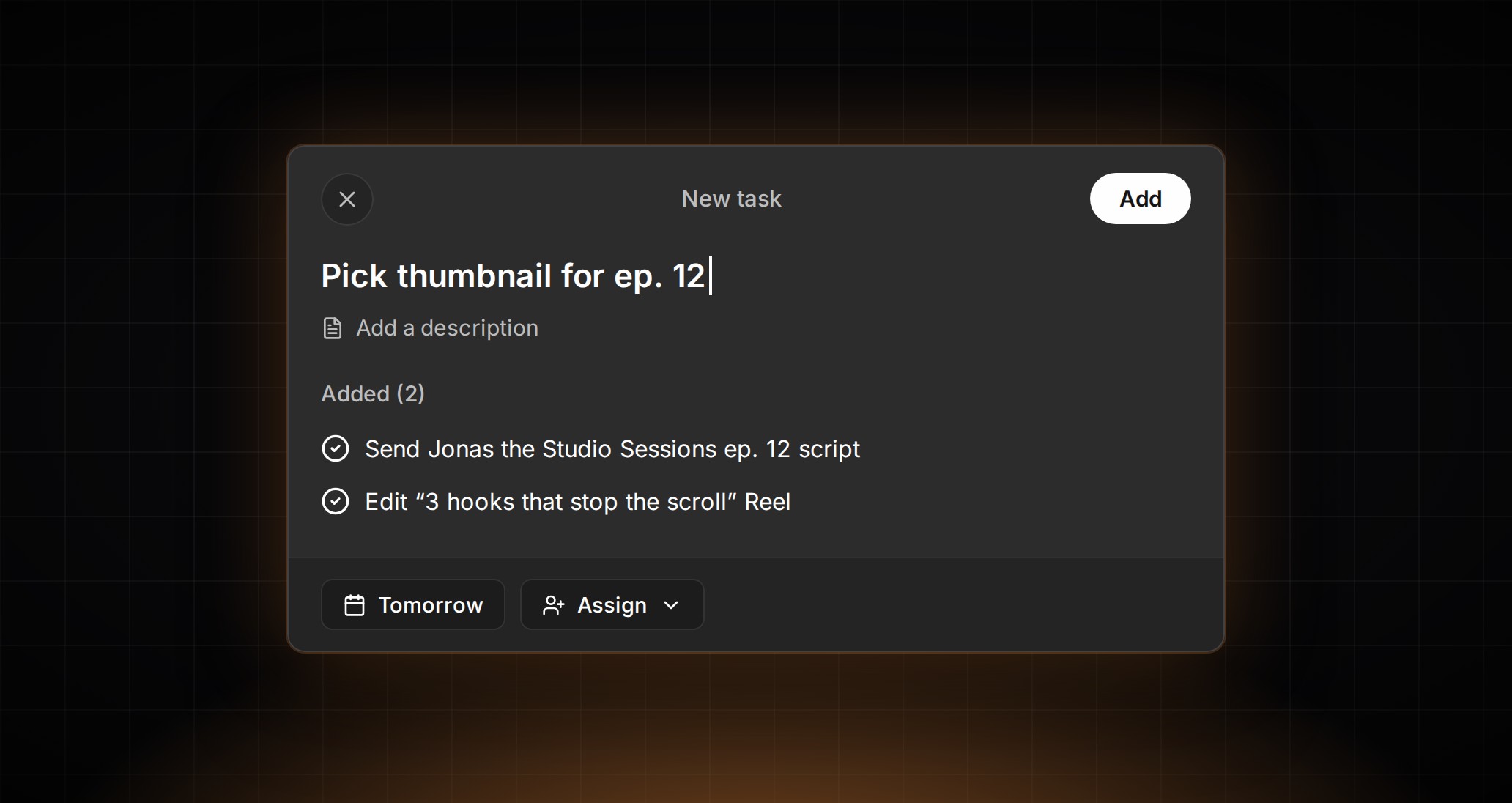
Tasks and comments
Claude comments on ideas, mentions teammates, and creates and assigns tasks.
-
6 · Measure
How your posts did
Live performance of your posts and accounts. Admins and Managers can ask about ad campaigns too.
You stay in charge
Claude works with your access, and nothing more
-
Signs in as you
Claude gets exactly your access, in the workspaces where you're an Admin, Manager or Contributor.
-
Labelled “via Claude”
Everything Claude creates is saved under your name, so the team sees what came from the chat.
-
You decide what goes out
Claude schedules only what you ask it to, and it can't approve or delete anything.
-
No content in the logs
We record which tools Claude used and keep it for 90 days. Never what you asked or what Claude read.
-
Wherever you use Claude
On claude.ai, in the desktop and mobile apps, and in Claude Code.
-
Disconnect any time
In ContentCrew, open Settings → MCP and choose Disconnect. Claude loses access right away.
Set up in minutes
Connected in three steps
-
01
Connect your brand
Sign up free, add your brand guidelines and connect your social accounts to ContentCrew.
-
02
Add ContentCrew to Claude
Choose Connect, sign in to ContentCrew and select Allow. On a Team or Enterprise plan, an Owner adds it once for everyone.
-
03
Ask in a chat
Turn ContentCrew on from the tools menu and ask in your own words.
Manage your socials from the chat you already use
Connect your brand, add ContentCrew to Claude and ask.