
Facebook's creator assistant now drafts comment replies
Facebook's AI assistant now drafts comment replies, LinkedIn adds an exportable post table, Edits comes to Mac, and Meta changes its APIs.
“You can review and edit before anything posts.” That’s Meta’s promise for the newest job of Facebook’s creator assistant: drafting replies to your comments, in your voice.
The same week, LinkedIn put every post’s numbers into one table you can export, Meta’s Edits app came to the Mac, and Meta changed what outside tools can do with Facebook posts, video metrics, and ads.
Facebook’s creator assistant starts drafting replies
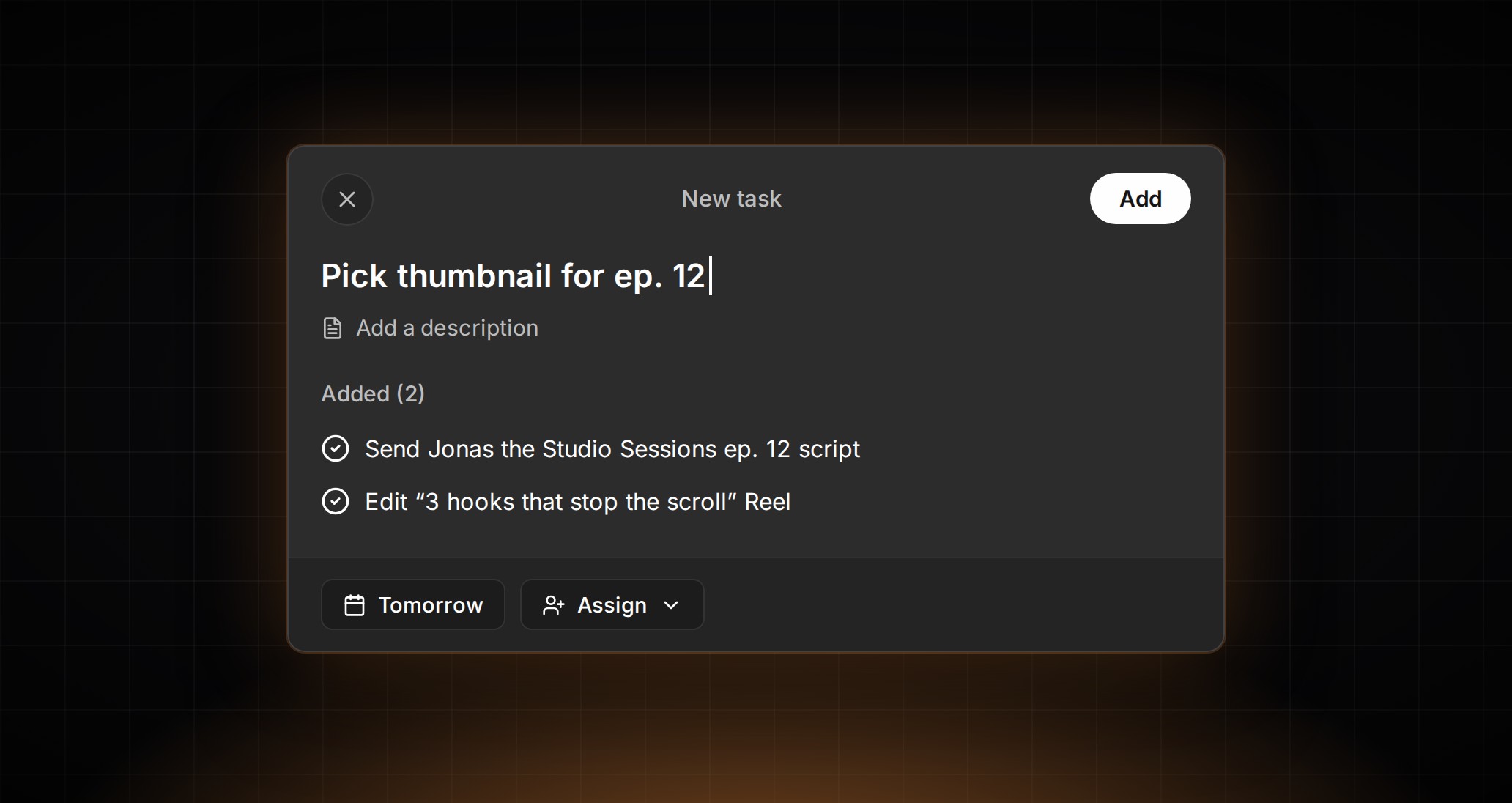
On November 2, Meta announced on its Facebook for Creators blog that the creator assistant it launched in June now does more of the work around a post. It alerts you when something needs attention, such as a post going viral or a jump in new followers. You can hand it an idea and get a storyboard and shot list back, or upload a draft before posting and get feedback. It also surfaces comments waiting for a reply and drafts replies “in your voice.” The assistant is now in Creator Dashboard on the web as well. It launched first for creators in the US, Canada, and India, and Meta says it has started expanding to more countries.
What it means for your team: the first draft of a reply can now come from AI, but the comments are still where a creator or brand builds its relationship with its audience. We think that’s the right split. AI does the first pass, and a person who knows the brand decides what goes out.
What to do: if you run Facebook for a creator who has access, agree on who reviews the drafted replies before they post. Write down which comments always need a person, such as complaints or questions about prices. An account’s Creator Dashboard homepage shows whether it has access.
LinkedIn puts every post’s numbers in one table
On November 3, LinkedIn’s Sam Corrao Clanon explained LinkedIn’s new analytics in an article on the platform. The new Post Performance Table shows your posts side by side with metrics such as impressions, followers gained, reactions, comments, reposts, sends, and saves, and you can export the data. LinkedIn says the table is rolling out globally on desktop starting that week, with mobile to come. You can now also see who followed you from a post, not just how many, and what share of its impressions came from people already connected to you or following you.
What it means for your team: with the table, you compare posts without opening each one’s analytics. The in-network and out-of-network split shows whether a post reached new people or stayed with the audience the profile already has.
What to do: if your team posts from founders’ or executives’ profiles, export the table when it reaches those accounts and build the monthly report from it. Add the out-of-network share, so the client sees which posts bring in new people.
Edits comes to the Mac
On November 5, Brett Westervelt, who leads Meta’s Edits app, announced the first version of Edits on desktop, available for macOS and free. It has a multi-track timeline, keyframes, color tools, and imports for your own LUTs and fonts. It exports in 4K without a watermark, in horizontal and vertical formats, and publishes directly to Instagram with tagging, location, and trial reels. People using AI agents can connect them to the editor through MCP. Editing one project across desktop and mobile isn’t possible yet; Meta says it’s working on it.
What it means for your team: Edits now works on a big screen, for bigger projects. The MCP line is the one to watch.
What to do: if your producers edit on a Mac, try Edits on one client project and check that the brand’s fonts and LUTs come through. Since projects don’t move between phone and desktop yet, decide at the start where each project lives.
Meta changes what outside tools can do
On November 4, Meta released version 27 of its Graph API and Marketing API, which outside apps use to work with Meta’s platforms. Apps can now add or remove the AI-generated label when editing a Facebook Page post. From early November, a video metric called total video consumption rate stops returning data on every version, and Meta says there’s no direct replacement. In version 27, new eligible Sales ad sets that target specific mobile devices or operating systems have “Reach more people across other mobile devices” on by default. Meta may also turn on Product showcase for an ad when it’s confident a catalog product set matches it. Both can be turned off.
What it means for your team: if you post, report, or buy ads through a third-party tool, these changes reach you through that tool.
What to do: check whether your client reports use the total video consumption rate, and replace or remove it before the next report. Ask your tool’s provider how it handles the AI-generated label when you edit a post. For Sales campaigns built through a tool that target specific devices, check that the device setting is the one the client wants.
What to watch next week
Watch whether Facebook’s creator assistant reaches more countries, and whether LinkedIn’s post table arrives on mobile.