
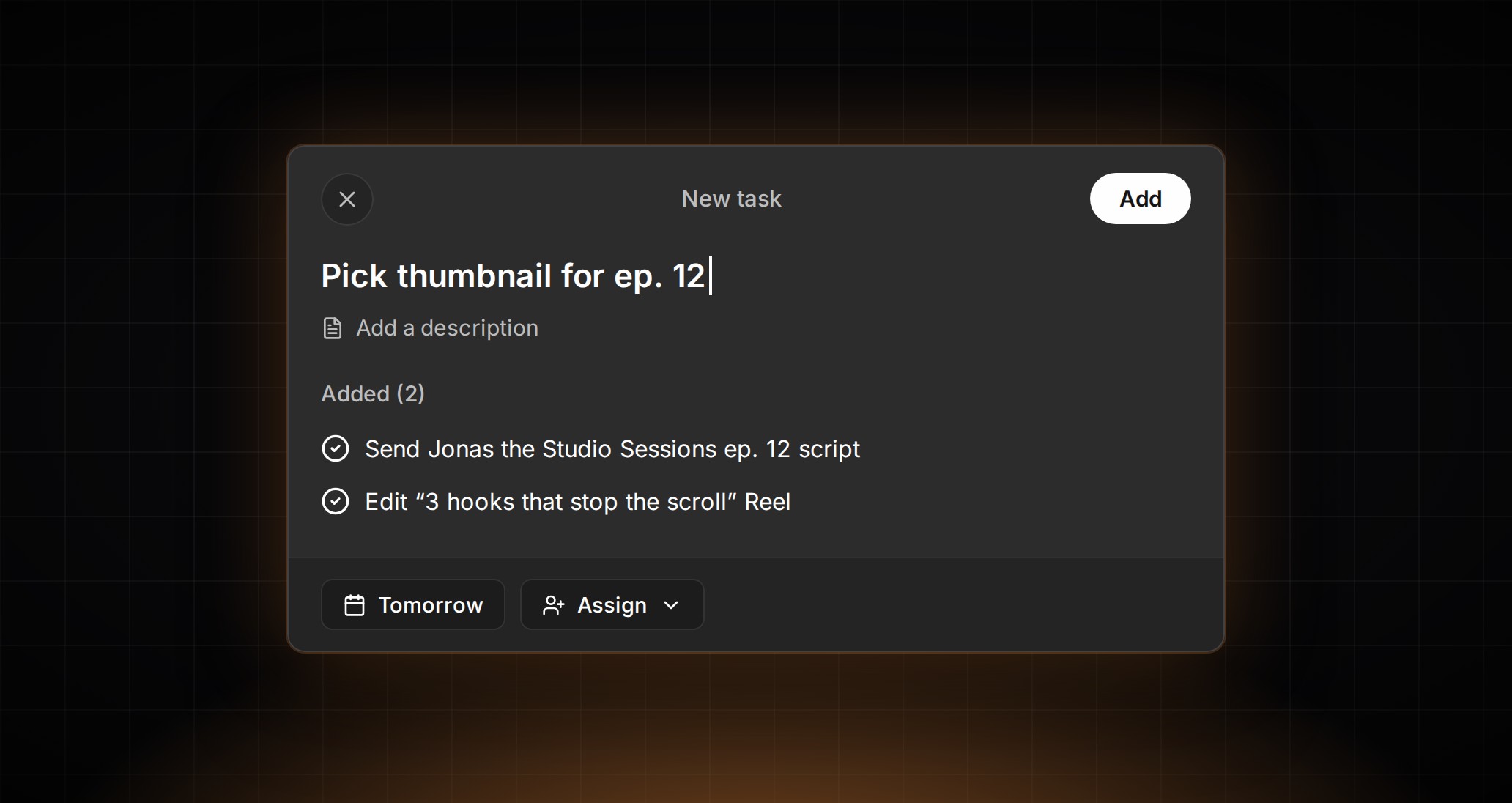
Pin your workspaces and jump between them faster
ContentCrew's searchable workspace switcher, frame-by-frame video review, and reports you can split into organic and paid, from the week of November 2–8.
Feedback for one client, a report for the next, a schedule check for a third: agency days hop between workspaces all morning. Our favorite change this week turns each hop into one shortcut.
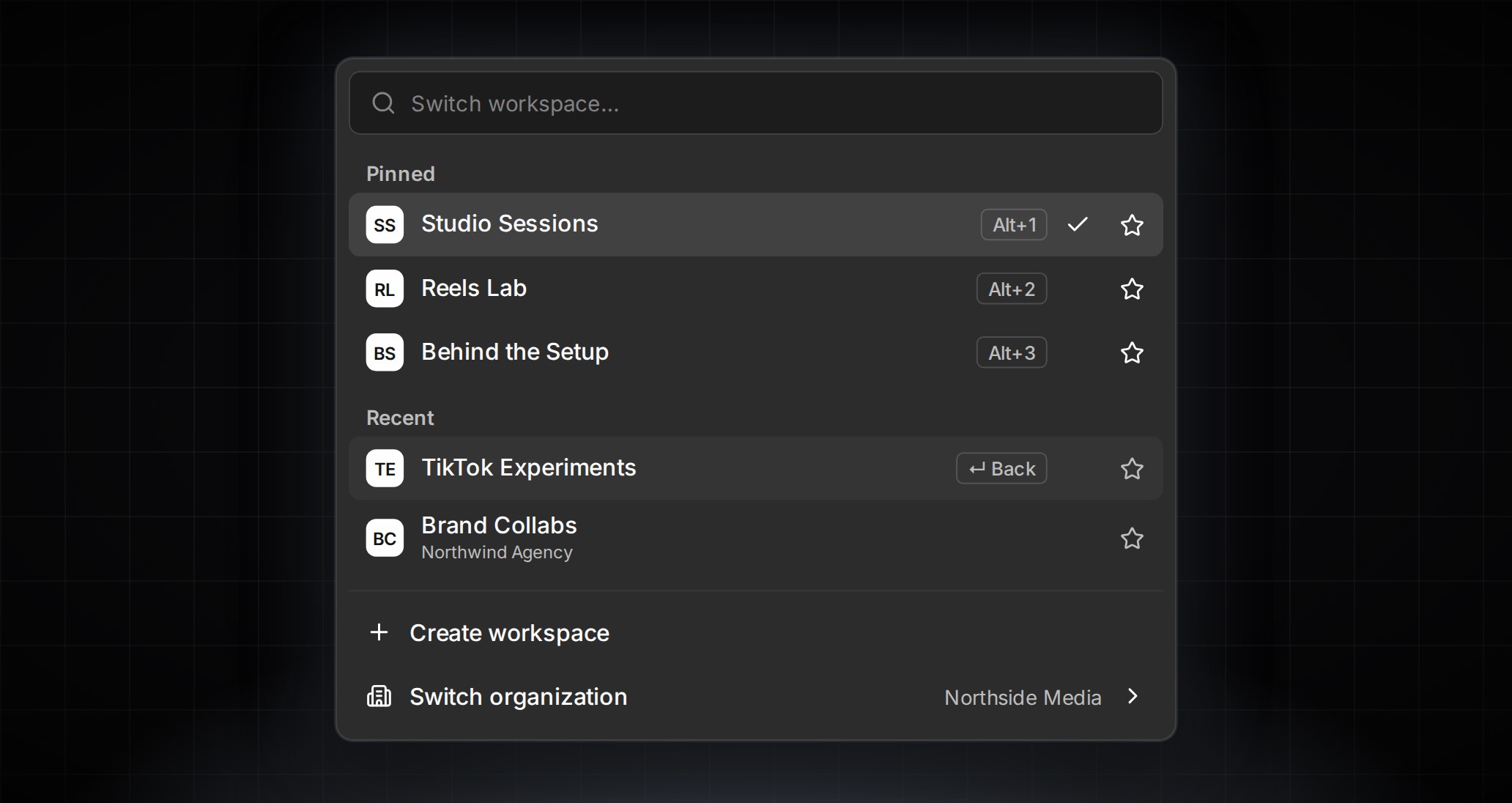
On desktop, press ⌘O or Ctrl+O to open a searchable switcher with your pinned and recent workspaces. It searches across every organization you belong to, Alt+1–9 or ⌃1–9 jumps straight to a pinned workspace, and ⌘O then Enter takes you back to the one you just left. On mobile, tap the workspace name in the Home header for the same list. We think moving between clients should take less thought than the work you do for them.
Reviewing a video draft on the web gets more precise too. Tap the comma or period key to step one frame back or forward, and land on the exact moment you want to trim or use as the thumbnail.
Reports get even better. Break any report down by All, Organic, or Paid, and find metrics in a searchable picker with inline help. Choose posts shows paid Instagram and Facebook delivery next to your organic numbers, with a total you can switch between Organic and Organic + paid. Goals and report tables share one metric catalog, so link clicks read the same in both. And once a page works, duplicate it from its ⋯ menu: an exact copy, layout and items included, lands right after the original.
More from the week: compare how your videos hold viewers over time, with a marker on YouTube retention curves where YouTube’s data ends. Top posts can show as a list with your own label for each post, ready for a “best content by goal” slide. Money values in reports appear in each ad account’s own currency. Large videos upload smoothly when you publish, and if a teammate edits the same carousel draft while you work, a “Draft Changed” message tells you.
Pin the workspaces you use most and try the shortcut on your next switch. Every change from the week is in the changelog.