
Claude can now help with your ideas, tasks, and reports
Connect Claude to ContentCrew and ask it to pick ideas, sum up comments, turn them into tasks, and read your reports. Plus a Publish screen with live previews.
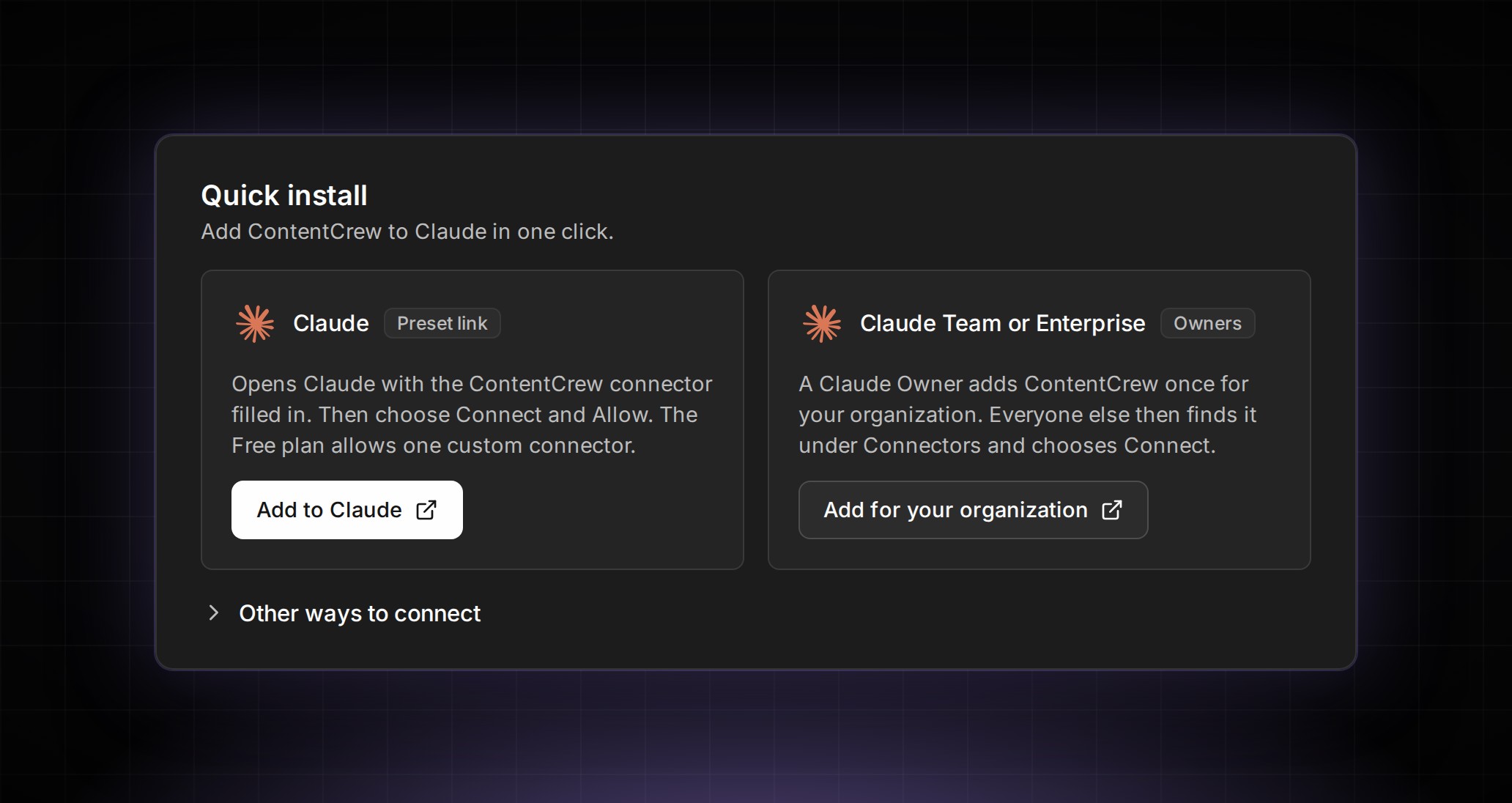
Claude can now work in ContentCrew, and it’s the change we’ve been most excited to see in action this week. Once you connect it in Settings, Claude can help with your team’s ideas, comments, tasks, goals, reports, and analytics, right where that work already lives.
So what could you ask it? Before Monday’s planning, you could have it go through your ideas and pick the ones worth filming first. After a client round, you could ask it to sum up every comment on a draft as one list of changes, then help turn that list into tasks for the team. On a Friday, you could ask how this month’s goals are tracking, or have it read last month’s report and tell you which posts carried the numbers.
This is why we care so much about keeping your team’s work in one place: when the ideas, the feedback, and the numbers live together, Claude has something real to work with.
The Publish screen has a fresh layout, too. Your channels, caption, and settings sit on the left, and a live preview on the right shows the post the way it looks on Instagram, TikTok, YouTube Shorts, Facebook Reels, and LinkedIn.
More from the week: press C, or long-press on your phone, to pin a comment to a moment and a spot in a video, or to a point or area on any slide. Every idea has a Shots tab: list each take, link it to a script line, set a shoot day, and tick shots off as you film. And in Insights, hovering over a video’s retention curve shows the frame playing at that moment, so you see what was on screen when viewers dropped off.
Connect ContentCrew to Claude in Settings and ask it to help with your next round of ideas. Every change from the week is in the changelog.